Create manual orders without breaking your fulfillment flow
Phone orders, replacement shipments, B2B requests and offline sales should not live in spreadsheets. Enter them against the same SKU catalog, warehouse workflow and shipping context as every other order.
Free up to 500 orders · No credit card to start
for online and offline sales
using your product catalog
Pick & Pack handoff




For every order that does not start in a webshop checkout
Manual order entry turns exceptions into a repeatable process, so your team does not need a separate spreadsheet for every edge case.
Phone and email orders
Capture orders that arrive through sales reps, support desks or account managers without losing operational structure.
Replacement shipments
Create a clean fulfillment record when customer service needs to send a replacement or missing item.
B2B and wholesale requests
Enter orders created after a quote, trade conversation or recurring wholesale agreement.
Offline and POS sales
Bring counter sales and event orders back into the same operational view as marketplace demand.
Samples and internal shipments
Keep sample parcels, influencer shipments and team-requested orders visible to the warehouse.
Exceptional cases
Handle the order that does not fit a marketplace import while still using a controlled fulfillment path.
Replace scattered spreadsheets with a controlled order intake
A manual order should be easy for sales to create and clear for operations to fulfill. ChannelDock keeps the request inside your ecommerce operations platform from the first line item to the warehouse handoff.
For buyer self-service ordering, connect this workflow with the B2B Portal. For retail counters, see the POS system.
If it needs stock, picking or a label, it deserves to be visible in the same system as every other order.
From request to pickable order in four steps
Give non-standard orders the same discipline as imported orders, without asking the warehouse to interpret loose instructions.
Enter customer and order details
Create the order with the recipient, order notes and the operational context your team needs.
Add SKUs from your catalog
Select products from the same catalog your marketplace, webshop and warehouse workflows already use.
Prepare fulfillment
Review quantities, shipping context and any internal notes before the order moves to operations.
Process with the warehouse
Use your normal operational workflow: pick, pack, ship and monitor the order alongside imported demand.
For sales and support teams
Give commercial teams a clean way to place orders for customers without inventing a shadow operations process.
- Capture negotiated, replacement and offline orders in one place.
- Reduce back-and-forth with the warehouse about SKUs and quantities.
- Keep exceptional customer requests visible after the conversation ends.
For warehouse operations
Receive manual orders as work, not as vague instructions from a spreadsheet or chat thread.
- See the order in the same environment as imported orders.
- Use existing fulfillment habits instead of a separate exception lane.
- Connect manual volume with Pick & Pack, shipping rules and order holds for orders that need review.
Manual order entry fits into the wider order stack
Use it on its own for occasional exceptions, or combine it with other ChannelDock order features when manual volume grows.
Free up to 500 orders · No credit card to start
Pairs naturally with the B2B Portal, bulk processing and order history exports.
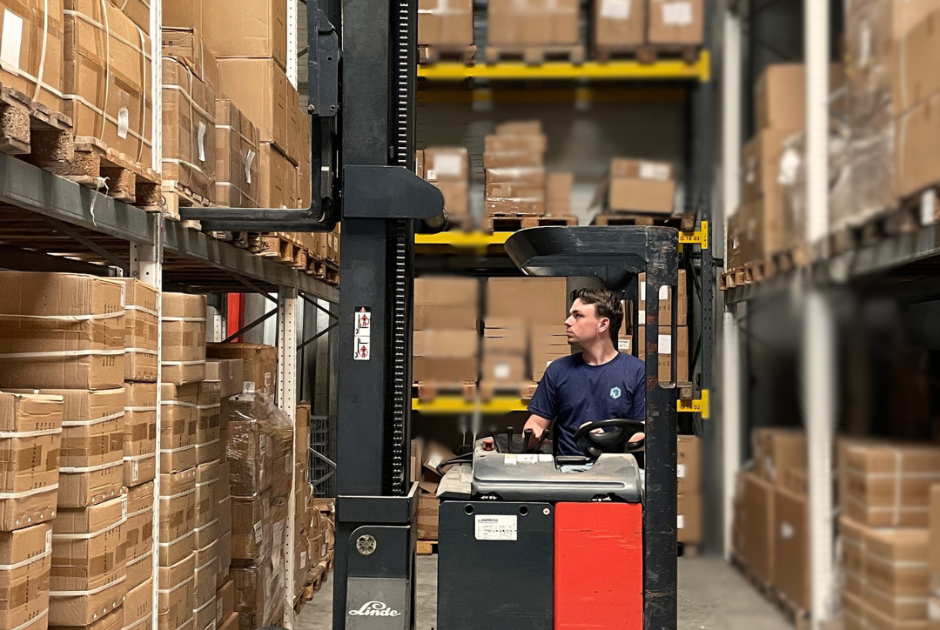
“We wanted modern fulfillment without surprise fees, and support that actually feels human.”Read the Nexus Fulfilment customer case
Manual order entry FAQ
Common questions from sellers and operations teams.
Explore order fulfillment features, compare B2B self-service ordering, or return to the features overview.
Bring every order into one operational flow
Manual order entry keeps offline, replacement and staff-created orders aligned with your warehouse.
Free up to 500 orders · No credit card to start